
From Local Website to Live Portfolio: A Practical Hosting Pattern
How we separate an agency case study from its live demo, name deployments clearly, and keep local experiments from becoming confusing public links.

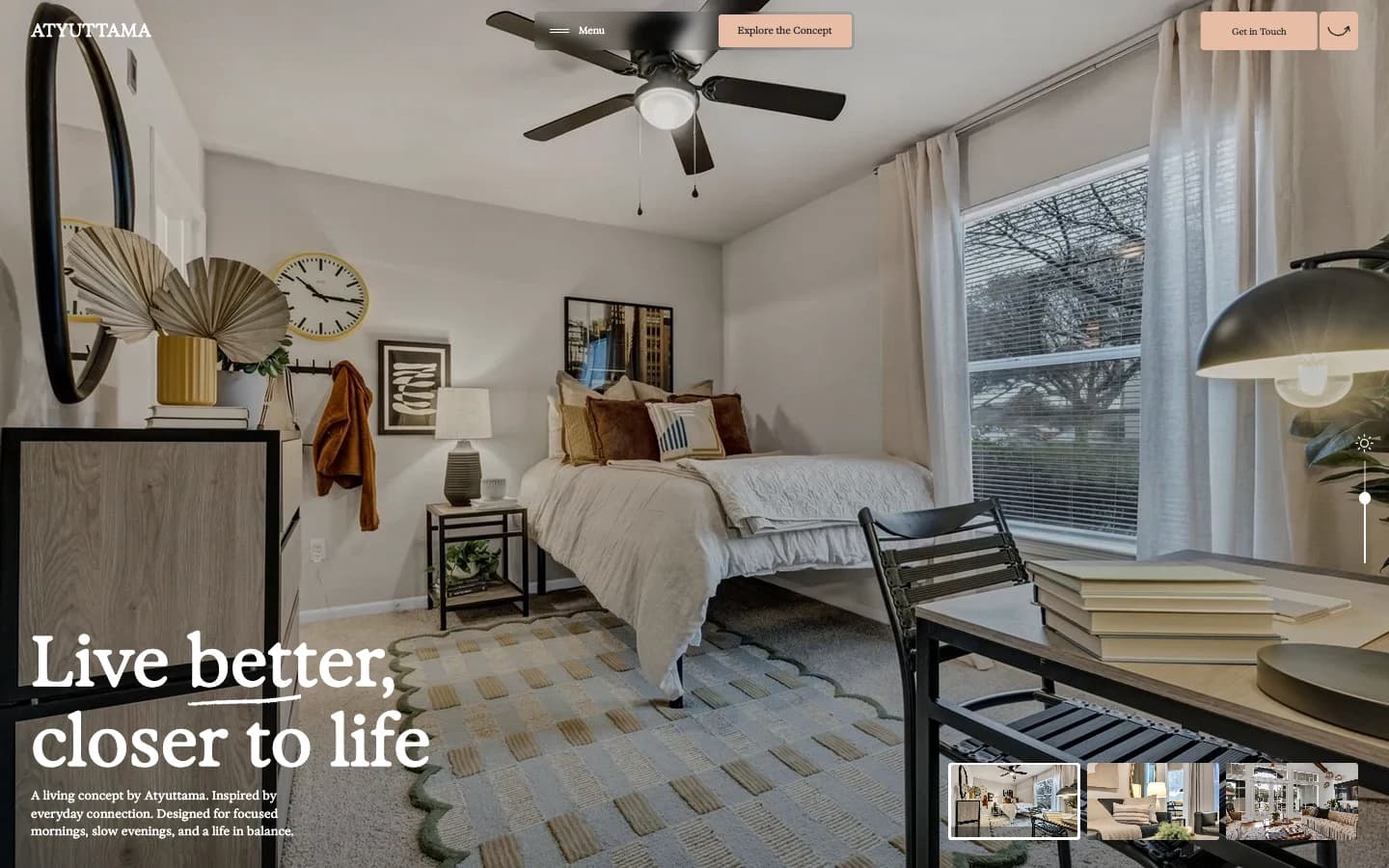
A website running on a laptop is useful for development, but a localhost address is not a portfolio link. When someone opens that address on their own computer, it refers to their machine. A shareable project needs a hosted deployment, a stable name, and enough context for a visitor to understand what they are seeing.
Give the case study and demo different jobs
For Atyuttama Living, our preferred structure is a case study on the main Atyuttama website and a separate deployment for the interactive demo. The case study explains the brief, the implementation, and the limitations. The demo preserves the visual experience. Keeping those roles distinct also makes it easier to update a project without changing the agency website’s application runtime.
On the work page, the primary project link should open the case study. A clearly named secondary action can open the live demo. An unpublished experiment should have an honest local-only or in-progress status rather than an external button that cannot work for a visitor. Publishing a screenshot is another option when a demo is not ready to share.
Use a stable project name
Atyuttama Living describes this residential concept more clearly than a broad name such as Website Agency. On Vercel, a project receives a vercel.app address; the exact available address is confirmed during deployment. A branded subdomain such as living.atyuttama.com can be connected later if the team wants a consistent family of demo links. That requires configuring the domain for the project, not simply changing the text of a link.
Separate review from publication
Vercel distinguishes development, preview, and production environments. Our recommendation is to review a preview deployment before directing visitors to the production address. Local success is necessary but incomplete: the hosted build can expose differences in asset paths, environment configuration, runtime behavior, or access protection. A public demo should be checked without relying on the owner’s authenticated session.
Keep each deployment focused
A release directory should contain what the site needs to run. Local evidence, previous design experiments, font conversion exports, and development notes do not belong in the public asset directory. Each project should retain a clear connection to its source files and deployment settings. This makes the next update easier to understand and reduces accidental coupling between otherwise independent demos.
Verify the visitor’s route through the work
Start on the agency website and follow the same path a visitor will take: open the project, read the case study, and launch the demo. Check the final URL, the heading, the images, and one or two important interactions. Then repeat the main path on a phone-sized viewport. A successful upload only proves that files reached the host; it does not prove that the portfolio journey works.
The article and case study should also have descriptive titles, canonical URLs on the main website, and entries in its sitemap. A concept demo can remain noindex while the explanatory work page is discoverable. That keeps the agency’s content as the primary search destination without preventing people from opening the shared demo.
Our recommendation for future Atyuttama concepts
Use one Vercel project per standalone website concept and keep its work entry on Atyuttama. Start with the assigned vercel.app link, then add a branded subdomain when it serves a clear purpose. Keep a small registry recording the project name, source location, local run instructions, deployment name, live URL, and work-page URL. Only replace a local-only status after the hosted page has been verified.
Primary sources
First-party documentation and announcements used to ground this field note.